Skip to content
Buyers Guide to Commercial Security Camera Systems in Singapore

Buyer’s Guide to Commercial Security Camera Systems in Singapore

  • 11 min read

Keeping your business safe matters more than anything else! Whether you run a small shop or a huge factory, the right commercial security cameras help guard everything. Many companies offer strong security camera systems, and choosing the right one is key to protecting your business. Let’s dive in and learn about commercial security cameras and how to pick the ideal system for you!

Benefits of Commercial Security Cameras

  • One of the primary advantages of commercial security cameras is their ability to deter crime. When people see cameras, they often think twice before doing anything wrong. Cameras can effectively stop thieves and troublemakers quickly.
  • Another benefit is the ability to watch what happens live. With security cameras, you can peek at what’s going on right now, giving you peace of mind as you keep an eye on your business.
  • Cameras also collect proof. If something goes wrong, you can check the video to see what happened. The footage can help catch anyone who did something wrong and provide valuable evidence.
  • Furthermore, security cameras guard both people and things. You can monitor your employees to ensure their safety while also keeping an eye on important assets so that nothing goes missing.
  • Lastly, if you have multiple locations, cameras allow you to monitor operations seamlessly. This way, you stay in control without having to be physically present.

Choosing the Right Commercial Security Cameras

Picking the right commercial security cameras means considering what your business needs most. Think about the size of your space, whether it’s inside or outside, and how much you want to spend.

Key Features to Look For

  • When choosing cameras, look for features that enhance their effectiveness. Cameras with high-definition or 4K capabilities provide super-clear videos, making it easy to see tiny details when necessary.
  • Some cameras come equipped with night vision, allowing you to see even in the dark or in low-light situations. This feature helps maintain constant surveillance.
  • Wide-angle lenses can cover larger areas, so you don’t need as many cameras, saving both money and space. Motion detection is another useful feature, as these cameras only start recording when they sense movement, which helps save storage space and provides alerts.
  • If your cameras will be outdoors, they must be weatherproof to withstand rain, heat, or wind, especially in Singapore’s unpredictable weather.
  • Cloud storage is a great option for keeping your videos safe and accessible from anywhere, removing the worry about losing footage if your camera breaks. Wireless and IP cameras allow you to check on your business from your phone or computer, which is particularly handy for busy entrepreneurs.

Types of Commercial Security Cameras

There are many kinds of commercial security cameras, each suited to different business needs.

Camera TypeDescription
Analog CamerasThese simple, budget-friendly options send videos to a recorder, where you can view or save them. While they may not offer the clearest pictures, they still get the job done.
IP CamerasThese connect to the internet and provide great-quality videos. You can monitor them from anywhere and store the videos in the cloud, making them ideal for businesses that require high-notch video quality.
PTZ CamerasThese cameras can be adjusted remotely, allowing you to turn them left, right, up, and down or zoom in as needed. They work well in larger areas, like malls or warehouses.
Wireless CamerasThese cameras operate without long wires, utilizing Wi-Fi, so you can place them conveniently. Just ensure your internet connection is strong enough.
Dome CamerasThese sit inside a round dome, making it difficult for people to tell which way they are pointing. They are great for offices and shops, as they provide discreet surveillance.
Bullet CamerasShaped like tubes, these cameras are ideal for outdoor use. You can mount them on walls or ceilings to monitor entrances, parking lots, or hallways.

Factors to Consider When Installing Commercial Security Cameras

When installing commercial security cameras, planning is crucial to ensure you cover all important areas and don’t miss anything.

  • Business Size and Layout: Larger businesses need more cameras. In expansive spaces like parking lots or warehouses, wide-angle cameras can cover more ground. In smaller rooms, cameras with a narrower focus may be more effective.
  • Indoor vs Outdoor: Outdoor cameras must withstand the elements, while indoor cameras have fewer durability requirements. However, ensure all cameras function well at night if nighttime monitoring is necessary.
  • Busy Areas: High-traffic spots, such as entrances or parking lots, need dedicated camera coverage, as these areas often see the most activity and require extra attention.
  • Follow the Rules: Businesses must comply with specific regulations when installing cameras. Ensure your cameras don’t violate any privacy laws, and always inform people that they’re being recorded.
  • Watch and Save Videos: Some businesses require constant monitoring of camera feeds, while others may only check recordings as needed. Ensure you have adequate storage for your videos.

The Importance of Professional Installation

Installing commercial surveillance cameras can be tricky if you’re unsure of the right approach. Improper installation may lead to blind spots. To avoid issues, it’s wise to let professionals handle the installation.

Benefits of Professional Installation

  • Get Great Advice: Professionals can help you select the preferred cameras and show you the optimal placement for the optimal coverage.
  • Cover Everything: They know the right spots to place cameras, ensuring no crucial areas are missed.
  • Set It Up Fast: Experts can install everything quickly and ensure your cameras function correctly.
  • Help When You Need It: Many companies provide ongoing support after installation to ensure your cameras keep working smoothly.

Commercial Security Camera Systems from Kirin CCTV

If you’re looking for reliable commercial security cameras, Kirin CCTV offers impressive packages tailored to fit your business needs. Their services include installation, repair, and assistance with using your cameras effectively.

Popular Package Options

Hikvision CCTV Installation Packages

These packages provide high-definition video and remote viewing options, delivering high-quality security for your business.

EZVIZ & TAPO CCTV Packages

Great for small or medium-sized businesses, these affordable wireless options come with smart features.

Dahua CCTV Installation Packages

These packages include durable cameras designed for larger areas, making them ideal for businesses that need extensive protection.

Why Every Business Needs Commercial Security Cameras

Keeping an eye on your business is hard when you have staff, stock and customers to manage. Commercial security cameras help you see what is happening and check events when problems arise.

Help Deter Theft

Visible cameras can make people think twice before stealing stock or damaging property. Security cameras enable you to identify stolen items with their exact time of disappearance.

Check Your Business While Away

Security cameras help you detect potential threats at the access points, common areas and the delivery areas. The system keeps track of all incidents to review what happened.

Check Your Business While Away

With a compatible system and internet access, you can view live footage on your phone. This helps you check key areas without making a trip to the site.

Resolve Disputes with Clear Footage

A missing delivery or customer complaint can be hard to resolve without a clear record. CCTV footage helps you check the facts, so you can respond with more confidence.

Commercial Surveillance Camera Solutions for Every Business

Every business has areas that need a clear view, from shop floors to loading bays. Commercial surveillance cameras help you watch these spaces, with a setup that suits your site.

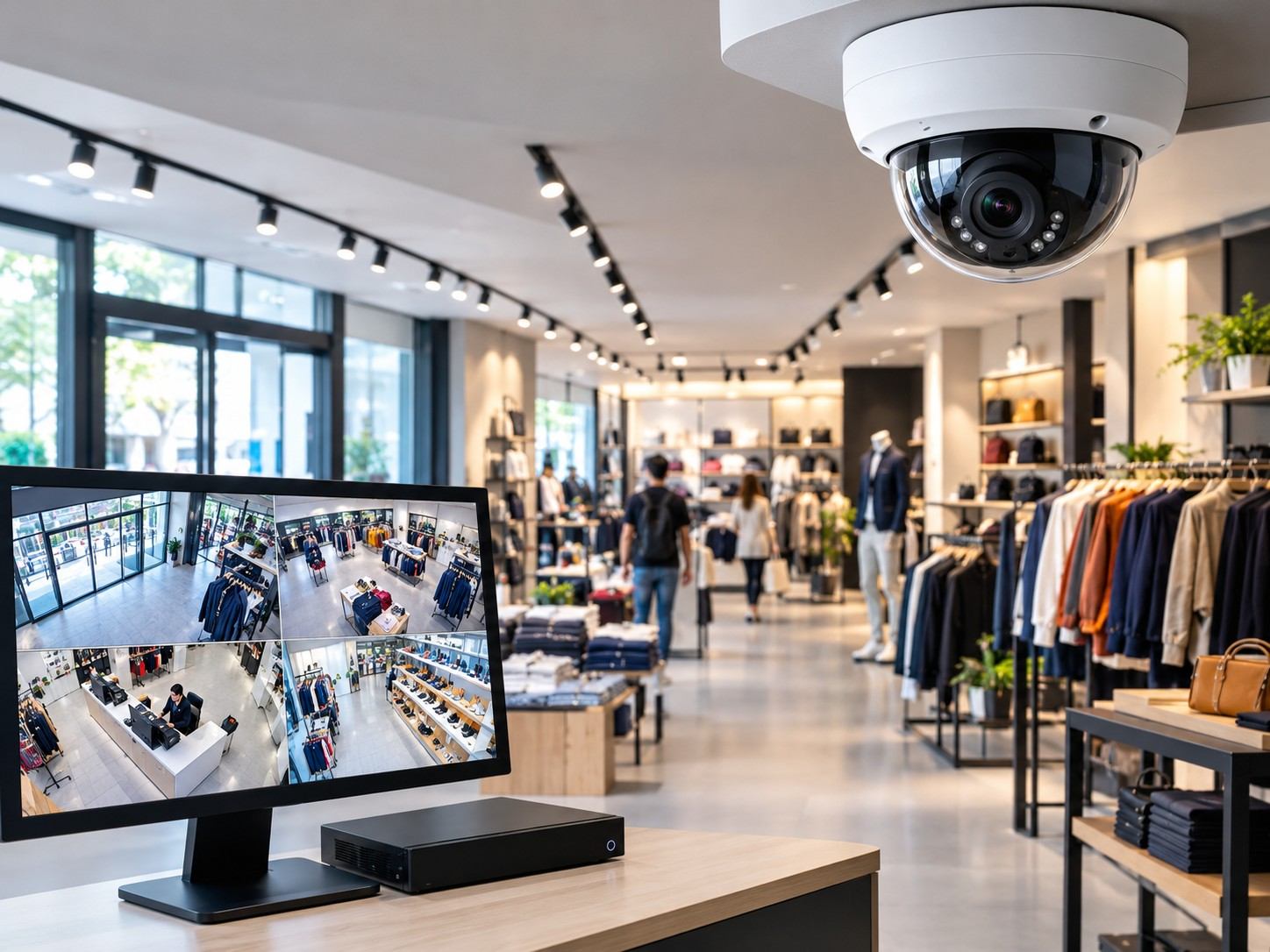
Shops and Retail Stores

Shops need clear views of places where staff handle cash and store goods. Camera coverage can help you review missing stock, payment disputes and events near the entrance.
  • Watch tills and payment counters.
  • Cover entrances and exits.
  • Keep stock rooms in view.
Shops and Retail Stores
Warehouses and Storage Sites

Offices and Workspaces

Office cameras help you see who enters the building and uses shared spaces. They also provide a record of events when the office is closed.
  • Cover reception desks.
  • Watch main entry points.
  • Monitor doors to restricted areas.

Warehouses and Storage Sites

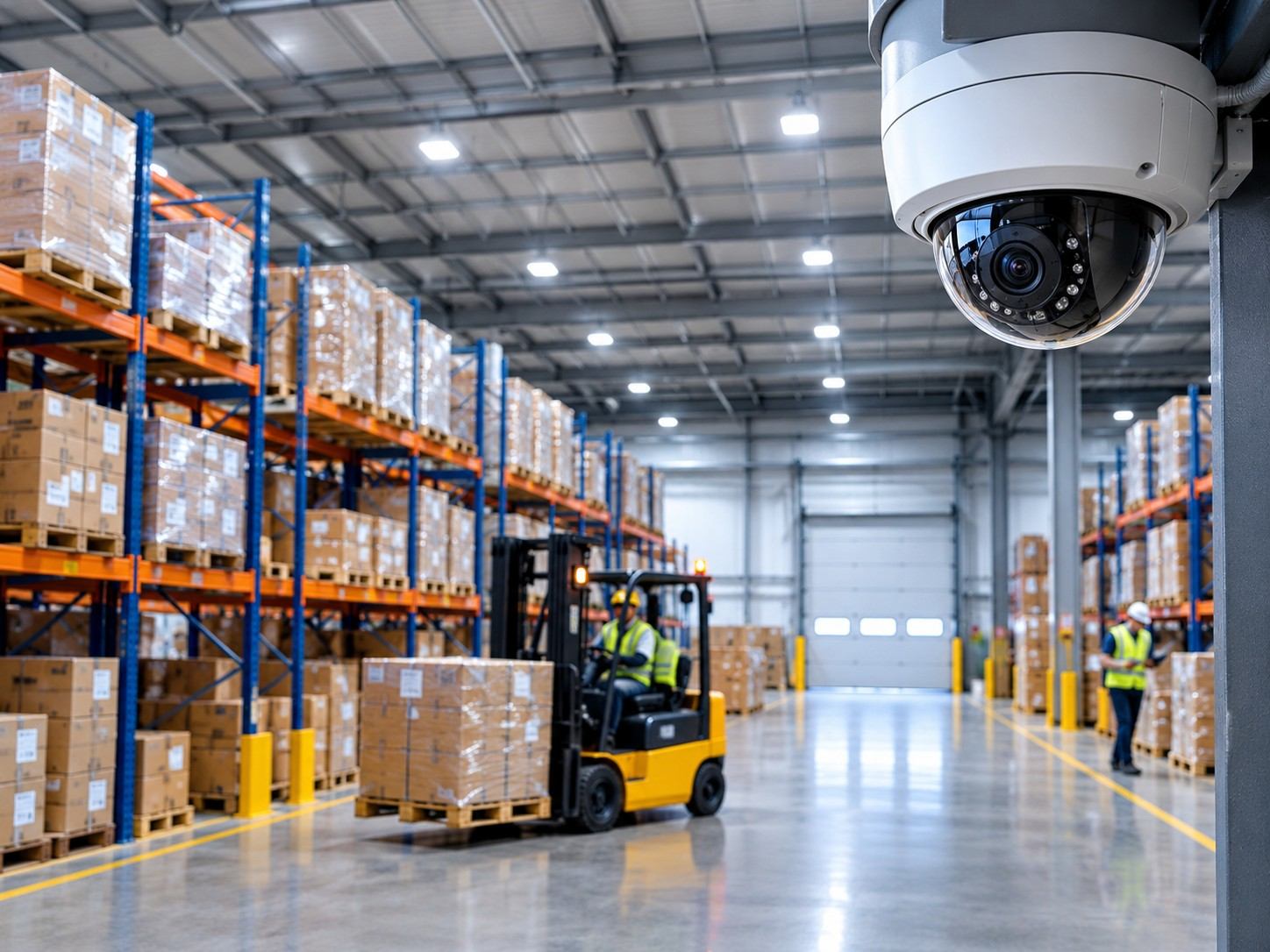
Warehouses need views of stock aisles and areas where goods arrive or leave. However, cameras must sit where shelves, boxes and vehicles will not block the view.
  • Cover loading bays.
  • Watch stock aisles.
  • Keep delivery entrances in view.
Warehouses and Storage Sites
Cafés and Restaurants

Cafés and Restaurants

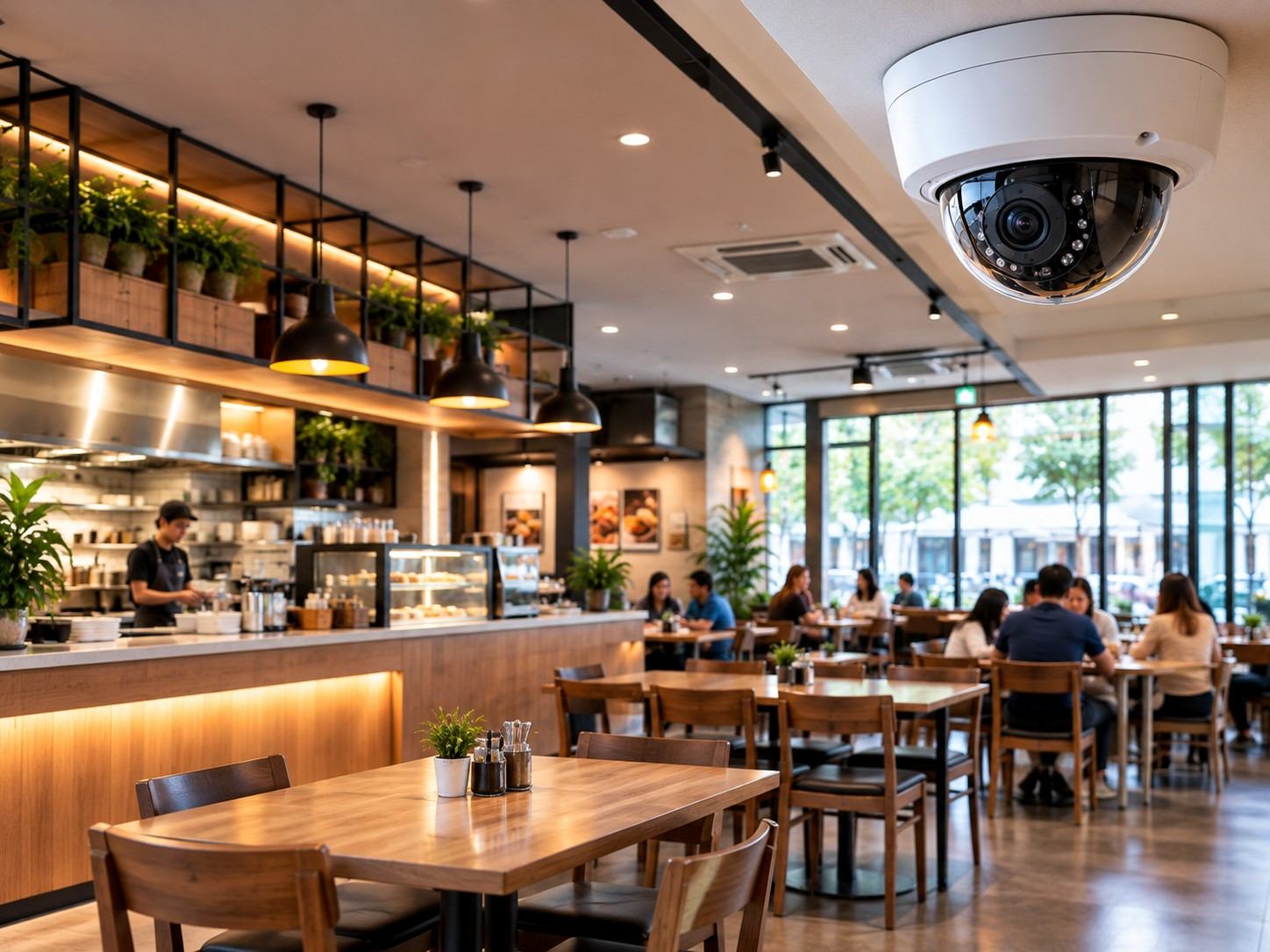
Cafes and restaurants need coverage around busy counters, tills and entrances. Clear footage can help you review payment issues or incidents during a shift.
  • Watch tills and service counters.
  • Cover customer entrances.
  • Keep stock room doors in view.

Commercial CCTV Installation Process

A good CCTV setup starts with a clear plan for the areas you need to watch. Installation involves checking the site, fitting the equipment and testing how it works.

Site Check and Planning

First, the installer checks entrances, stock areas and spots where views may be blocked. They then plan camera positions, cable routes and storage to suit your business.

Camera and Recorder Setup

Next, the installer fits the cameras and connects them to power and the recorder. Each camera is then adjusted to give a clear view of its planned area.

Testing and Remote Viewing

The installer checks image quality, recording and playback to confirm the system works. If remote viewing is included, they also test app access through an internet connection.

Staff Handover

Finally, staff learn how to view recordings, find events and save key clips. The installer also explains access settings, basic checks and how to get support.

Maintaining Your Commercial Security Camera System

To keep your commercial surveillance cameras functioning well, regular checks are essential. Without proper care, cameras may fail to provide clear images or break down entirely.

Tips for Maintaining Your Security Camera System

  • Clean Lenses Often: Dust and dirt can blur your camera’s view, so clean them frequently to maintain clarity.
  • Check All Connections: For wired cameras, ensure that all cables are securely plugged in and undamaged.
  • Update Software: Camera manufacturers often release updates to improve functionality. Keep your software current to ensure smooth operation.
  • Watch Your Storage: Monitor your storage capacity, and back up important recordings to prevent loss.

Commercial Surveillance Cameras and Privacy Considerations

While commercial security cameras protect your business, it’s crucial to respect privacy. Businesses must follow specific regulations to ensure that cameras do not infringe on personal space.

How to Stay Legal

Tell Workers About Cameras

Tell Workers About Cameras

Inform your employees about the presence of cameras and the purpose behind
their use.

Put Up Signs

Put Up Signs

Use signage to indicate where cameras are located and what they are
monitoring.

Keep Videos Safe

Keep Videos Safe

Protect recorded videos with passwords or other security measures to prevent
unauthorized access.

Conclusion

To sum it up, commercial security cameras are vital for protecting your business. Whether you choose analog, IP, or wireless systems, ensure you select a solution that fits your specific needs. Partnering with a trusted company like Kirin CCTV for installation ensures you receive quality products and expert setup.

Ready to protect your business? Contact Kirin CCTV today to explore our camera systems and find the premier package for you.

Frequently Asked Questions

The cost depends on the number of cameras used, the cabling work, storage, and the layout of the building. Installing a security system in a small business will be cheaper than in a warehouse.
Yes, a suitable system will allow you to see the video live by using an app on your mobile device or computer. Both the camera system and viewing device should be connected to the internet.
Most CCTV cameras can save recordings to a physical recording device or memory card even without an internet connection. But if you want to remotely view the videos and have cloud backup, you will require internet connectivity.
Commercial closed-circuit television can be installed in shops, offices, cafes, restaurants, and storage facilities. These cameras are effective in business premises where there is dealing in cash, stock, and entry points.