
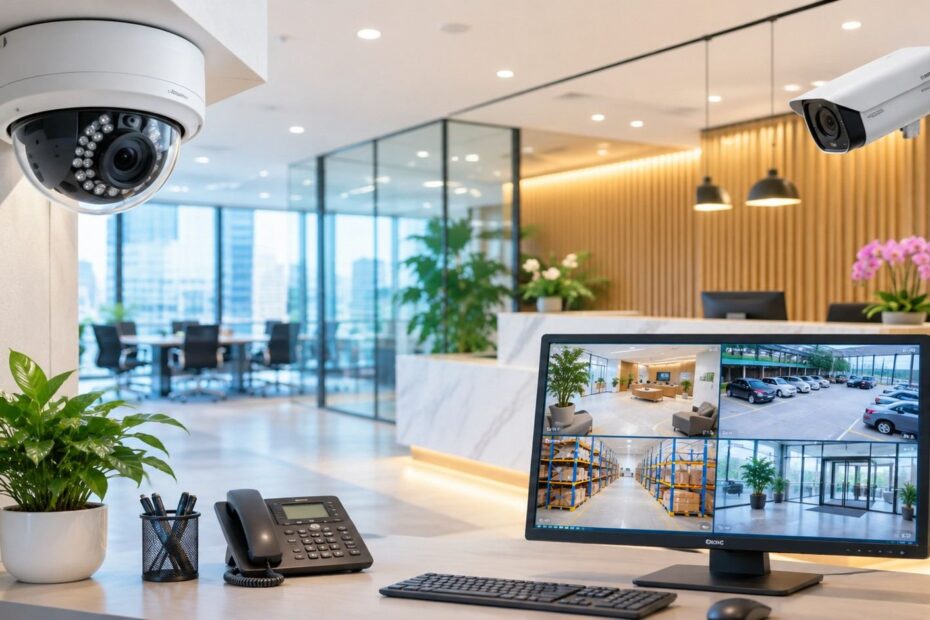
A camera above your door is of little use if the footage cannot clearly show what happened. Blurred faces, dark corners and gaps in coverage can leave you with more questions than answers when stock goes missing or someone enters a restricted area.
For modern businesses in Singapore, commercial security cameras need to do more than record activity. They should suit your layout, capture clear details and make footage easy to retrieve. However, a camera that works well in a small shop may not be suitable for a large warehouse.
The right choice depends on your space, budget and daily security risks. This guide compares different camera types and explains the essential features, installation considerations and privacy requirements to help you find a setup that suits your business operations.
Best Camera Options for Modern Business Spaces
Every business environment requires a different camera view. The best option depends on what you need to monitor, where the camera will be installed and the available lighting conditions.
Dome Cameras for Offices and Retail Shops
Dome cameras have a compact design that makes them suitable for ceilings above entrances, checkout counters and reception desks. Their enclosed housing can also help protect against tampering.
- Best fit: Offices, retail shops and customer service areas.
- Main benefit: The lens can be positioned to capture key areas, such as doorways and counters.
- Limitation: An unsuitable mounting angle can still result in unclear facial images.
Bullet Cameras for Outdoor Areas
Bullet cameras are suitable for monitoring back doors, loading bays and building perimeters. Models with weather-resistant housing and infrared illumination can monitor exposed areas in rainy conditions and low light.
- Best fit: Outdoor access routes, building boundaries and delivery points.
- Weather checks: Look for appropriate dust and water protection ratings.
- Night checks: Test footage of moving people to confirm that faces remain clear, as infrared range alone does not guarantee usable detail.
Panoramic Cameras for Open Floors
Panoramic cameras capture a wide view of open shop floors and lobbies. However, pixel distribution over a large area tends to blur up-close images.
- Best fit: Large areas with many routes.
- Main benefit: Coverage of a wide area with a single camera.
- Limitation: The tills and doors may require close-up views as well.
Key Features to Compare Before Buying
Choosing commercial surveillance cameras starts with knowing what your business needs to see. These features help you compare systems and avoid gaps in coverage.
Image Quality and Lens Choice
A higher pixel count does not automatically guarantee clearer footage. The lens must capture faces and other important details at the distances that matter most to your business.
Night Vision
Night vision allows cameras to record in dark indoor spaces and outdoor areas after sunset. However, test footage of moving people under actual lighting conditions to check whether facial details remain visible.
Wide Dynamic Range
Bright sunlight entering through a doorway can make a person’s face appear dark. Wide dynamic range helps balance bright and shaded areas within the same camera view, improving visibility in challenging lighting conditions.
Storage and Playback
Your system needs sufficient storage capacity to retain footage for your chosen period. Playback tools should also allow authorised staff to locate, review and export relevant clips without spending too much time searching.
Secure Remote Access
Remote access allows authorised personnel to view live feeds and recordings from another location. Strong passwords, appropriate access controls and regular software updates help protect the system and its recorded footage.
Weather and Impact Protection
Outdoor cameras need suitable protection against rain and dust because of their exposure to the elements. Cameras installed in accessible locations may also require durable housings to reduce the risk of physical damage or tampering.
Choosing the Right Setup for Your Business
Your camera setup should reflect your premises, operational layout and security risks. Start by identifying important areas, then check for blind spots caused by walls, shelving, doors and other obstacles.
- Retail shops: Monitor entrances, checkout counters and stockrooms. Use close-up views where staff need to identify faces or review cash-handling activities.
- Restaurants: Focus on payment counters, delivery entrances and storage areas. Avoid installing cameras in toilets and changing rooms.
- Offices: Monitor reception areas, entrances and restricted rooms. Limit footage access to employees who need it for their work.
- Warehouses: Cover loading bays, goods entrances and storage aisles. Check whether tall shelving units obstruct the camera views.
A strategically positioned camera often provides more useful footage than additional cameras aimed at the wrong locations.
Installation Costs and Ongoing Support
Camera prices are only one part of the overall cost. When comparing quotations, consider the following expenses:
- Hardware: Cameras, mounting brackets, cables and recording equipment.
- Installation: Labour, cabling and system configuration.
- Storage: Hard drives and cloud storage subscription fees.
- Maintenance: Routine testing, cleaning and repairs.
- Warranty: Coverage period, exclusions and service call-out fees.
Comparing the total system cost makes it easier to evaluate different providers because you can see exactly what each quotation includes. It is also worth checking how faults are handled and how quickly the provider can respond to service requests. Cheaper cameras may cost more in the long run if they require frequent repairs or fail to capture important details.
CCTV Privacy and Data Security in Singapore
The Personal Data Protection Commission (PDPC) recommends that organisations explain why they collect personal data. Businesses should clearly communicate the purpose of surveillance through appropriate CCTV notices.
Restrict access to recorded footage to personnel who need it for their work. In addition, replacing default passwords with strong credentials and keeping system software updated can help protect recordings against unauthorised access.
Establish a retention schedule that reflects your business needs and applicable legal requirements. Delete recordings when they are no longer needed for their intended purpose, subject to any applicable legal or preservation obligations.
Conclusion
The right camera system depends on your premises and business operations. Dome cameras are suitable for many indoor entry points, bullet cameras are useful for outdoor perimeters, and panoramic cameras can cover large open spaces. However, every camera must capture enough detail to make the footage useful.
Choosing commercial surveillance cameras is only one part of building an effective security system. Proper placement, secure storage and controlled access to recordings also help staff retrieve relevant footage quickly when an incident occurs.
For businesses in Singapore, weather resistance, privacy requirements and ongoing maintenance are additional factors to consider. By evaluating these elements before purchasing, you can build a surveillance system that provides a clearer record of events and reduces blind spots when an investigation is necessary.