
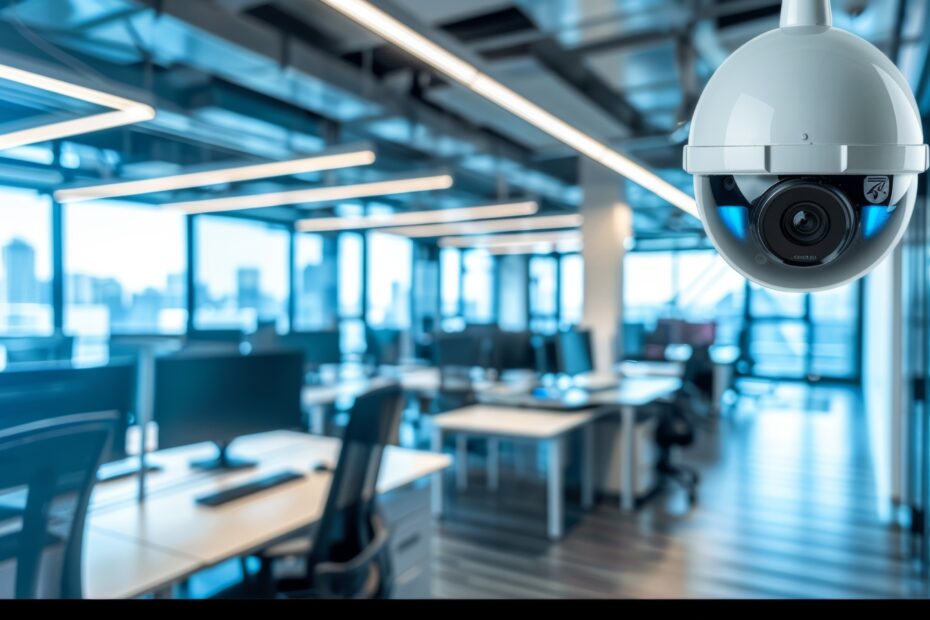
Office spaces in Singapore are becoming more vulnerable to theft, data breaches, and staff misconduct. These issues can lead to financial loss, legal problems, and damage to reputation. With rising concerns about security, more companies are now choosing to install CCTV systems. A good CCTV system can help monitor staff activity, reduce theft, and improve safety.
Modern office CCTV in Singapore are more advanced, affordable, and easy to manage. From high-resolution video to mobile access, they offer many useful features. This guide explains the types of CCTV cameras available, how to choose the right system, where to place the cameras, and what laws businesses in Singapore must follow.
Types of Office Security Cameras in Singapore
There are many types of CCTV for offices in Singapore. Each one works best in different areas. Choosing the right type helps cover your space well and keeps your workplace safe from risks.
Dome Cameras
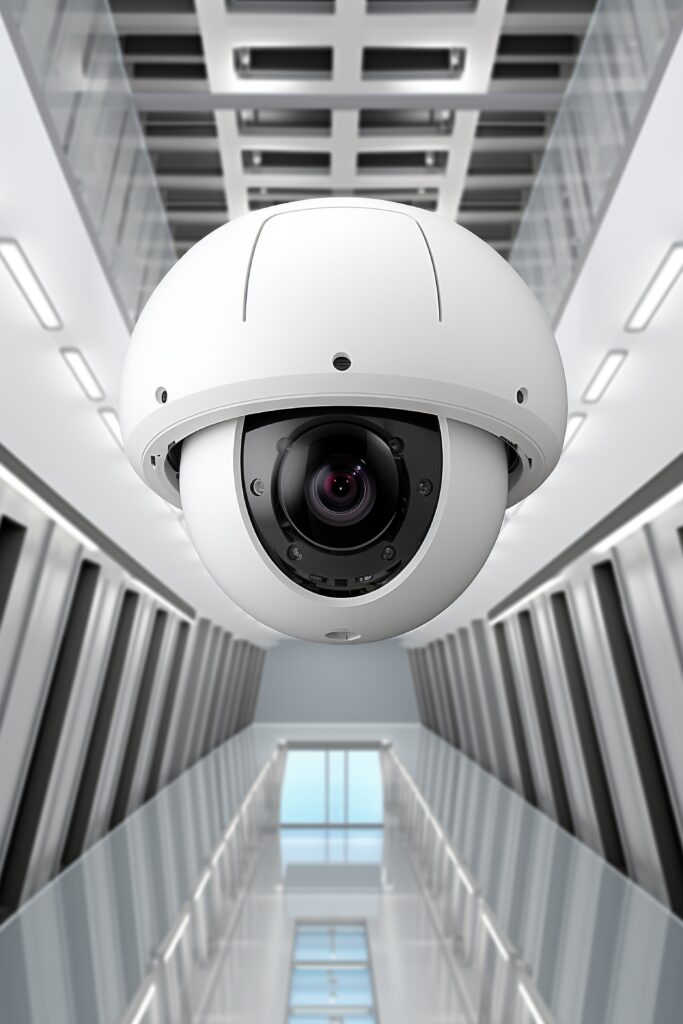
Dome cameras are often found in indoor areas. Their rounded shape makes them hard to spot. These office security cameras are fixed to the ceiling and can cover a wide area. Dome cameras are ideal for open-plan offices and reception zones.
Features of Dome Cameras:
- Discreet appearance
- Good for wide coverage
- Some models offer night vision
- Suitable for indoor use
Bullet Cameras
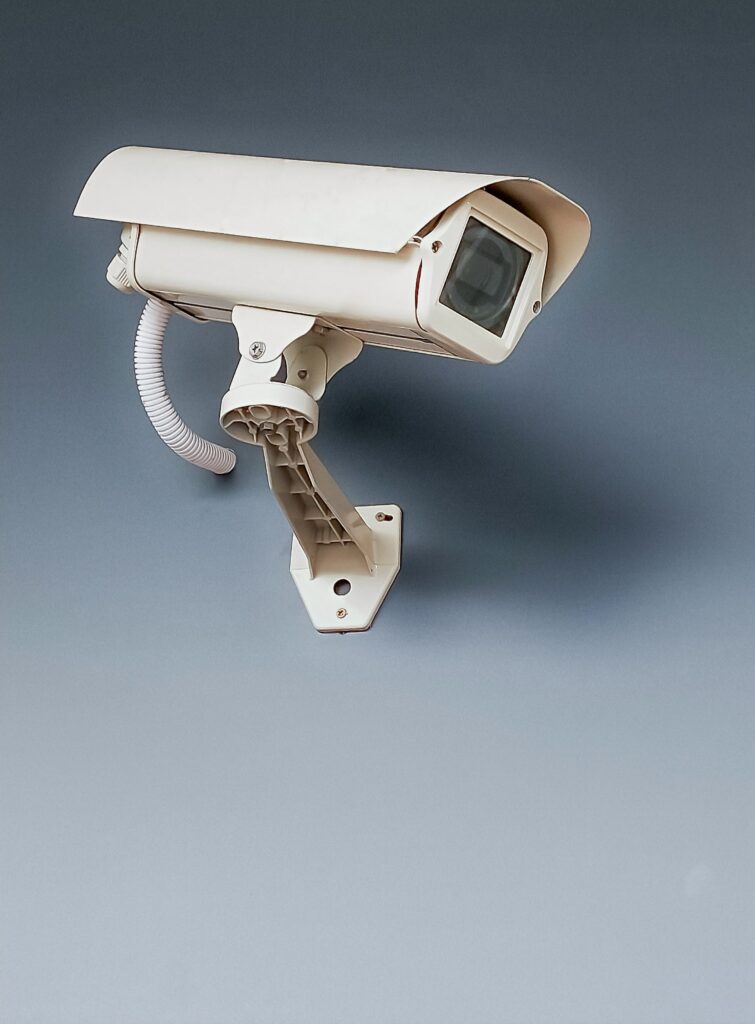
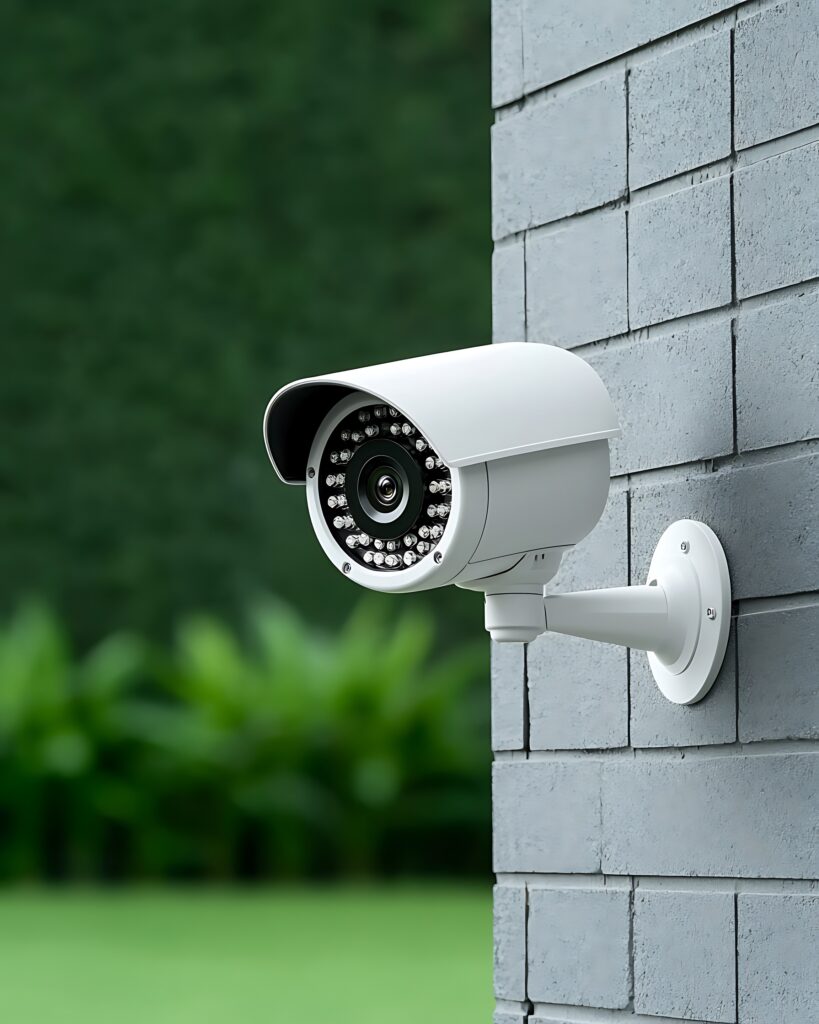
Bullet cameras have a long, cylindrical design. They are easy to spot, which can act as a deterrent. These cameras are suitable for outdoor use and narrow zones such as hallways or car parks.
Features of Bullet Cameras:
- Long-range vision
- Weather-resistant
- Clear image recording
- Ideal for entrances and exits
IP Cameras
Internet Protocol (IP) cameras connect through a network. They provide real-time video that can be viewed on phones or computers. Many IP cameras also support cloud storage.
Features of IP Cameras:
- Real-time video access
- Remote control via apps
- Clear image quality
- Easy to integrate with other systems
Wireless CCTV Systems
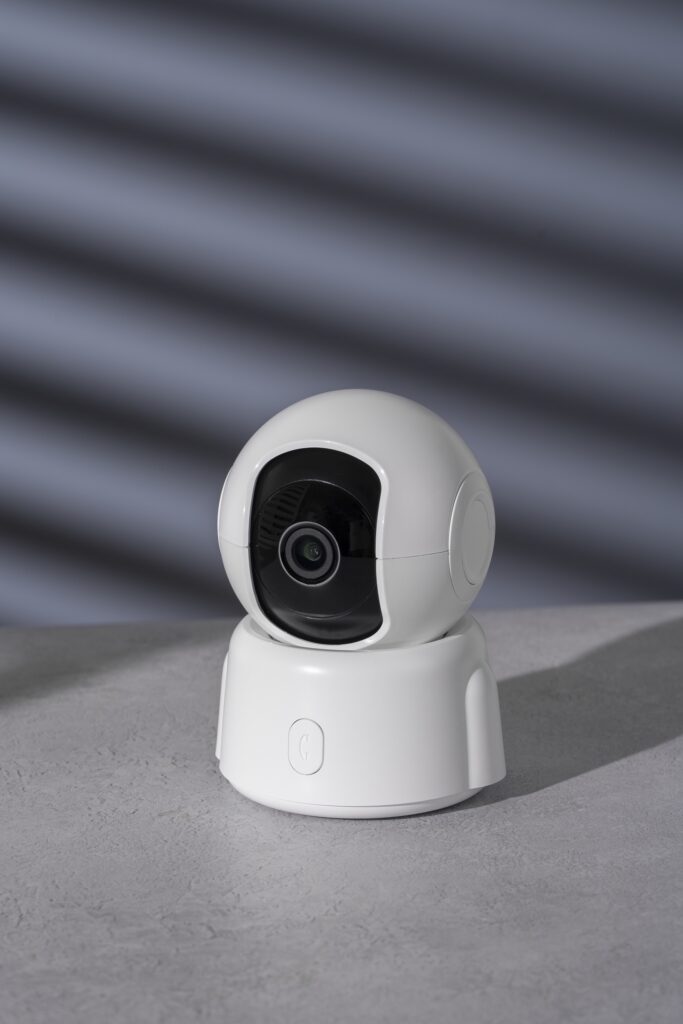
Wireless CCTV systems are simple to install. They do not need much cabling and are best for small offices or rented properties. These systems are also easy to move when needed.
Features of Wireless CCTV:
- Fast installation
- Portable design
- Flexible placement
- Works with Wi-Fi network
Benefits of Installing Office CCTV Systems

Safer Work Environment
Office security cameras help reduce workplace accidents. Staff are more likely to follow safety procedures when they know they are being watched.

Help with Insurance Claims
Footage from cameras can support claims for theft, injury, or accidents. It serves as proof when submitting insurance reports.

Data and Property Protection
Security cameras protect servers, records, and physical equipment. This is key for firms handling customer or business data.

Less Theft and Fraud
Monitoring staff and visitors can reduce theft, stock loss, or misuse of company assets. Office CCTV in Singapore keeps your assets safe.

Better Productivity
When staff know they are being monitored, they are more likely to stay focused and follow company rules.

Dispute Resolution
In case of arguments or complaints, video footage helps provide facts. This is useful during investigations.
Choosing the Right CCTV System for Your Office
Not every office needs the same CCTV setup. It depends on your space, staff size, and security needs. Here, you will learn how to choose a system that fits your office well.
Review Your Office Layout
Start by checking your floor plan. Mark areas that need coverage, such as entrances, meeting rooms, and storage. Avoid blind spots by using wide-angle or movable cameras.
Choose the Right Resolution
High-definition cameras (1080p or higher) are best for clear images. If you need to capture faces or small details, go for higher resolution.
Consider Night Vision
Some areas, like storage rooms or car parks, may have low light. Pick cameras with infrared night vision for those zones.
Wired or Wireless?
Wired systems are more stable and suited for large offices. Wireless systems are easy to install but may have signal issues if walls block the signal.
Link with Access Control
Pairing CCTV with access control systems gives extra security. You can track who enters and leaves and match it with video footage.
Wired vs Wireless CCTV
|
Feature |
Wired CCTV |
Wireless CCTV |
|---|---|---|
|
Installation |
Needs technician |
Easy to set up |
|
Stability |
Very stable |
May vary with Wi-Fi |
|
Flexibility |
Fixed in place |
Easy to move |
Best Locations for Office CCTV Cameras
Reception Areas
Work Areas
Install cameras above workstations to monitor staff behaviour and prevent misuse of resources.
Car Parking Areas
Outdoor cameras help watch over vehicles and loading bays. This prevents damage, theft, or unauthorised access.
Payment Areas
For companies handling payments, place cameras above the cash counter or point-of-sale machines.
Legal Guidelines for CCTV Installation in Singapore
Installing CCTV for offices in Singapore requires following privacy laws and placing cameras correctly to ensure proper security without breaching staff rights.
Follow the PDPA Rules
The Personal Data Protection Act (PDPA) sets rules for collecting and using video footage in Singapore.
Get Clear Consent
Place signs at entry points saying the area is under CCTV surveillance. This meets the consent requirement under PDPA.
Inform Purpose of Recording
Your signs must also explain why the cameras are used. For example: “CCTV in use for security monitoring.”
Use Cameras for Proper Reasons
Only place cameras in areas where security is needed. Do not install them in private zones such as toilets or break rooms.
Allow Data Access
If someone requests footage of themselves, you must provide access if possible. Make sure any other person in the video is blurred.
Manage Retention of Footage
Do not store CCTV footage longer than needed. In general, 30 to 90 days is enough unless required for investigation.
Use Licensed Installers
For office installations, the installer must have a license under the Private Security Industry Act. Always verify before hiring.
Kirin CCTV – Your Office Security Partner
Kirin CCTV has been providing reliable CCTV services in Singapore for over eight years. We help offices across various industries improve their security setup.
Why Kirin CCTV?
- Based in Sim Lim Square, a well-known tech hub
- Supplies only genuine products like Hikvision and Dahua
- Offers local warranty and ongoing support
- Experienced in both small offices and large business premises
- Our team holds a valid Security Service Provider license
We work closely with our clients to understand their needs and provide solutions that meet PDPA standards.